
Library app
Access library resources, manage your account, and book study spaces. Scan the QR code to get started!
Popular pages on the Library website
Get the App
Download the Library app by:
- searching for 'Ex Libris Library Mobile' on Google Play or the Apple Store
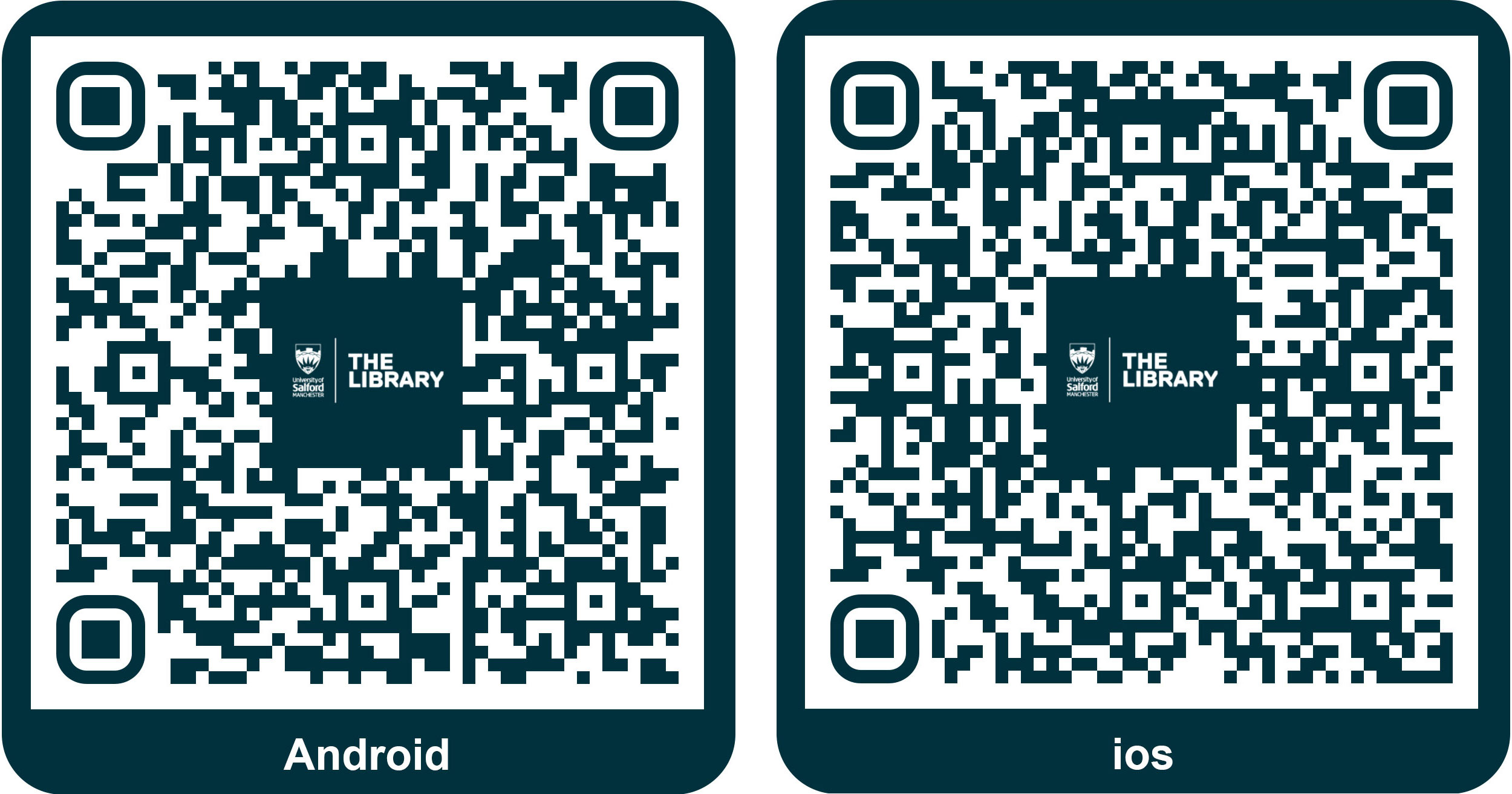
- following the appropriate QR code (shown below).
You can also view the Library app on the web.
When you have the app, type in 'University of Salford' and then login with your University email and password.
What's on the app
With the app installed you can:
- Search for library resources
- Access Blackboard
- View your timetable
- Access your reading lists
- View your library account
- Book onto Library, Skills and Careers events
- Book a library space
- Check-in to your lectures
- Receive calendar reminders for your booked events*
*To receive reminders, you'll need to go to Settings and activate the 'Calendar Reminders' option.